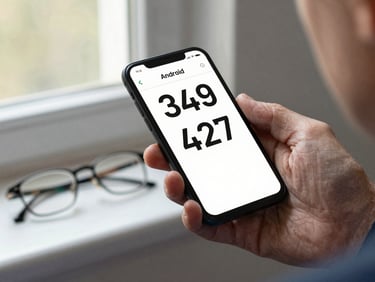
/ Android-native development

Built for the hardest user. Usable by everyone.

Every age group. One codebase.

From children's learning tools to senior health apps — we ship Android-native software that earns a 4.5+ rating across age cohorts.

We design from the most constrained user outward — age-inclusive by default, not by revision. The result is durable Android code that every user can navigate.
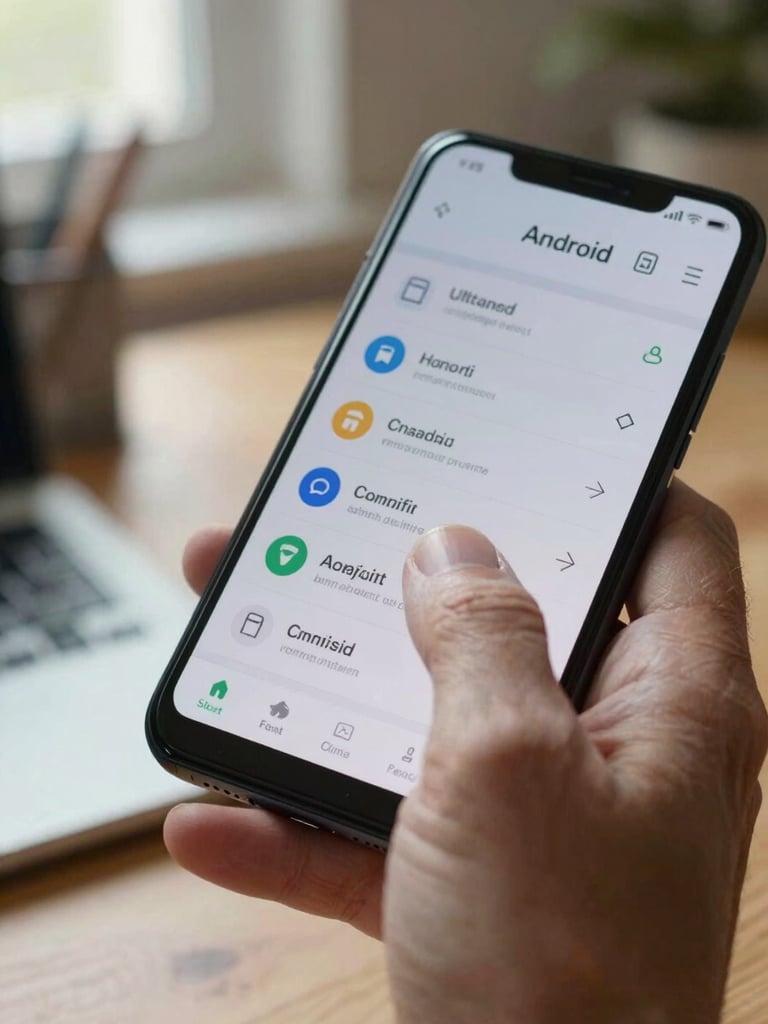
Extreme close-up, side-lit by natural window light — an older adult's hand, visible age lines, index finger resting on a crisp Android UI on a mid-range phone screen, the display showing large readable text controls, background a softly blurred home office desk
— Constraint-driven design

Accessibility is the brief, not the footnote.

We scope every project around its most challenging user — limited vision, one free hand, unfamiliar with touch conventions. That constraint tightens our UX decisions and produces cleaner engineering.

Android-native only. No cross-platform shortcuts. The discipline shows in performance, in gesture accuracy, and in how long the app stays installed.

Overhead shot on a clean white desk — a child's hands, small fingers, navigating a bright educational Android app showing illustrated letters, natural daylight from the left
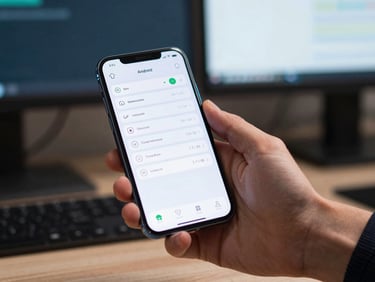
Close-up of a professional's hand holding an Android phone at a desk, a productivity app open showing a clean dashboard with readable data tables, cool studio light, blurred monitor in background
An older adult's hand, reading glasses resting nearby, holding an Android phone displaying a health monitoring app with high-contrast large-type readings, natural window light, neutral background
Selected work

Judge the work, not the pitch.

Children's learning tools

Enterprise productivity apps

Senior health and daily-use apps

Large tap targets, phonetic feedback, zero cognitive dead-ends. Built for ages 5–12 who have never read an interface before.

Dense information, fast navigation, offline-first architecture. Designed for workers who cannot afford a mis-tap on the floor.

High-contrast typography, minimal gesture set, forgiving error recovery. Built for users who rely on the app every day without a manual.

Engineering discipline. Age-inclusive by default.

Review our portfolio and evaluate the code quality, UX decisions, and age-range coverage for yourself. Then reach out.